Transform Model
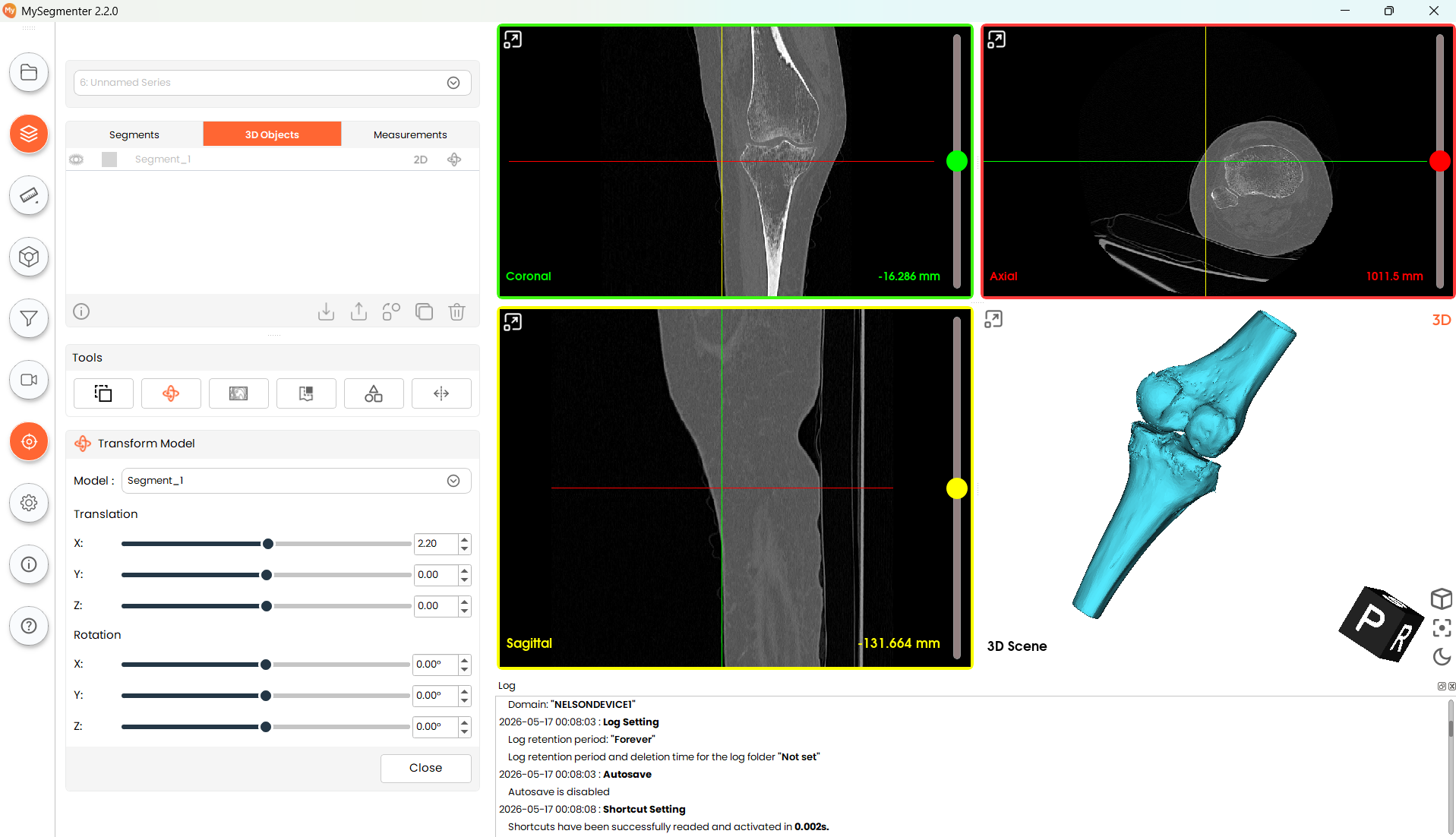
The transform model tool offers rotation and translation controls to allow users to modify the position and orientation of any 3d model available in the project.
Steps
- Select the model that will be transformed from the Model dropdown menu
- Use the slider, or the numeric boxes to enter the values of the translation and/or rotations to be implemented in the 3 axes
- Close module
Note: Models can be returned to their original locations by setting all transformation parameters to 0.